Quick Guide to QR Code Posting Strategies
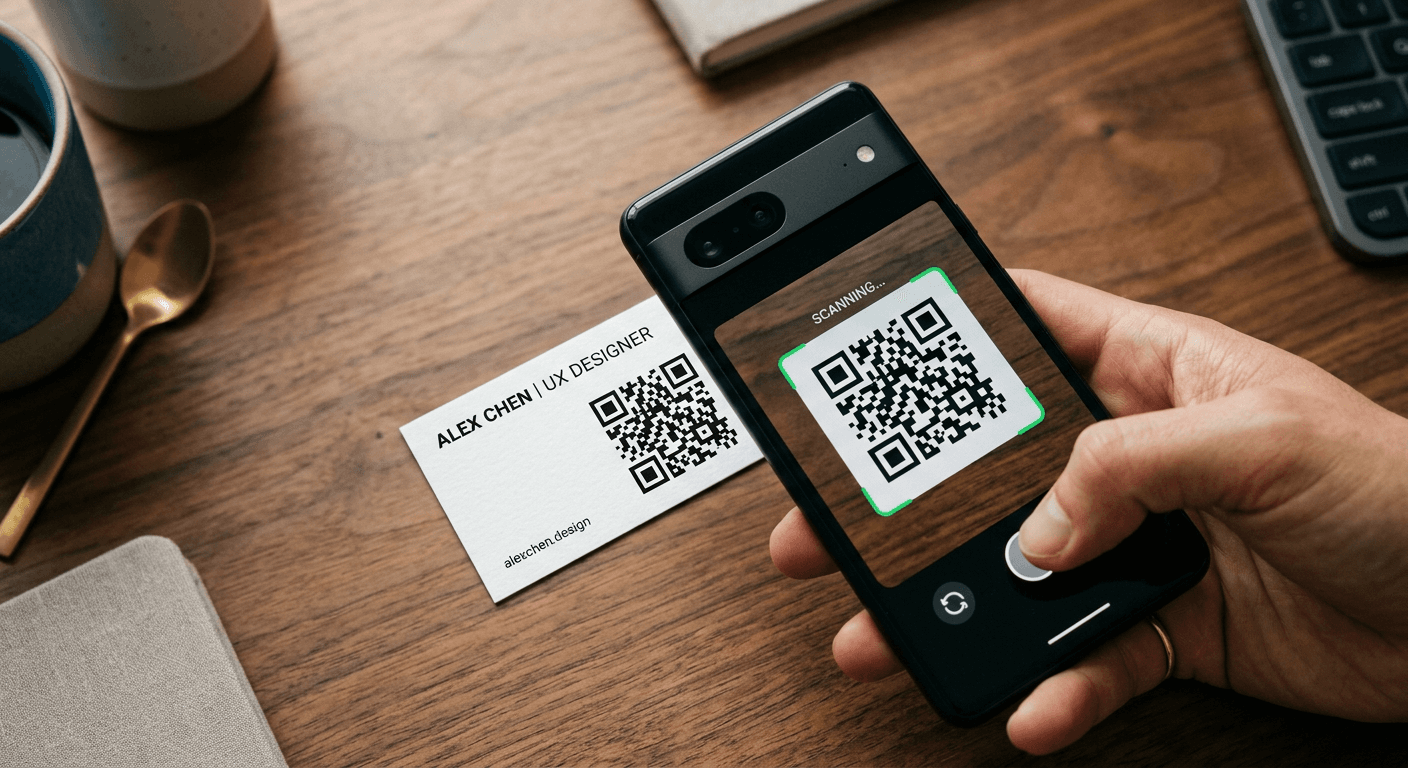
Integrating QR posts into your digital marketing ecosystem requires more than simply generating a link and printing it on a flyer. Effective QR posting strategies rely on the intersection of user experience design, strategic placement, and high-performance tracking mechanisms. By treating these digital entry points as intentional bridges between physical engagement and online conversions, brands can capture granular data and nurture leads in real-time.
Quick Summary
QR posting is the practice of embedding Quick Response codes within digital or physical media to drive traffic to specific landing pages, lead capture forms, or interactive content. Success depends on clear calls to action, mobile-optimized destinations, and persistent performance analytics.
- High conversion rates through seamless omnichannel transitions.
- Essential integration of UTM parameters for accurate attribution.
- Critical requirement for mobile-first landing page design.
- Strategic placement for high-visibility engagement zones.
Table of Contents
- Quick Summary
- Table of Contents
- The Mechanics of High-Converting QR Posts
- Strategic Deployment of QR Posting Assets
- Optimizing User Experience for Scan-to-Action
- Common Pitfalls and Troubleshooting
- Frequently Asked Questions
- Recommended Reads

The Mechanics of High-Converting QR Posts
At the core of every successful QR posting campaign is the dynamic link. Unlike static QR codes, which are hardcoded to a single URL, dynamic codes act as a redirect layer. This allows marketers to update the destination URL without changing the physical code on printed materials or re-uploading social media assets. Utilizing professional QR code management tools ensures that your backend infrastructure can handle redirects while simultaneously logging device information, time of scan, and geographical data.
Technical performance is equally vital. Your QR post must generate a high-contrast image to ensure rapid recognition by smartphone cameras. The "Quiet Zone" - the blank space surrounding the code - is essential for processing. If a QR code is crowded by other design elements, the scanner may fail, leading to immediate user abandonment. Always test your generated code across multiple devices and lighting conditions to confirm it functions in the target environment.
Strategic Deployment of QR Posting Assets
Placement is not merely about physical location; it is about intent. When you incorporate QR posts in a public environment, the context must match the user's availability. For instance, a QR code placed on a high-speed transit billboard is often a wasted effort because viewers have only a split second to react. Conversely, a code placed in a restaurant or retail setting, where a customer is already stationary and holding their mobile device, sees significantly higher scan rates.
Pro Tip: Always accompany your QR code with an explicit incentive or clear instruction. A label like "Scan to view exclusive savings" performs exponentially better than a naked QR code. Users need to know exactly what value exchange is occurring before they commit to the scan.
Beyond placement, consider the digital footprint. QR posts shared on social media platforms require different design considerations than those printed on physical collateral. On a mobile screen, the QR code should be large enough to scan even if the user is using the same device to view the image. When embedding these into social carousels, place the code on the final slide to ensure the user has had enough time to consume the preceding value-added content.
Optimizing User Experience for Scan-to-Action
Once the scan occurs, the user experience must remain unbroken. The most common error in QR posting is directing users to a desktop-heavy website that requires pinching and zooming. Your marketing landing page links must be mobile-first, load in under two seconds, and feature large, thumb-friendly navigation buttons. If the landing page does not mirror the promise made in the initial QR call to action, the bounce rate will skyrocket.
Data attribution is the final piece of the puzzle. Every QR code should contain specific UTM parameters appended to the URL. By tagging your codes as source=print, medium=qr, and campaign=location_name, you can isolate the efficacy of each individual placement within your analytics dashboard. This allows you to prune underperforming locations and double down on high-traffic touchpoints.
Common Pitfalls and Troubleshooting
- The "Broken Link" Syndrome: Always verify your links before publishing. If you are using dynamic codes, ensure your redirect service has high uptime statistics.
- Low Contrast/Poor Design: If the QR code blends too closely with the background, software cannot resolve the data points. Stick to black-on-white or very high-contrast combinations.
- Lack of Tracking: Posting a QR code without a tracking parameter makes it impossible to calculate ROI. Never skip the step of appending UTM tags to your destination URL.
- Redirect Latency: Excessive redirects or complex tracking pixels can slow down the user journey. Minimize the number of hops between the scan and the final landing page content.
Frequently Asked Questions
Do QR codes expire?
Static QR codes do not expire, but the URL they point to might. Dynamic QR codes remain active as long as the subscription to your management platform remains active, allowing you to edit the destination anytime.
Can I put a QR code on a social media image?
Yes, but ensure the code is clear and not obstructed by the platform's UI elements. It is best to test the code on a mobile device while it is displayed on the platform's app.
Why is my QR code not being scanned?
This usually stems from insufficient contrast, a cluttered surrounding area, or an improper size relative to the viewing distance. Re-verify the "Quiet Zone" around the code.
Do I really need to use UTM parameters?
Absolutely. Without UTM parameters, you cannot differentiate traffic from your QR campaigns from organic traffic. This data is critical for budget optimization.