How to Manage and Optimize Your Portfolio Link for Maximum Professional Impact in 2026
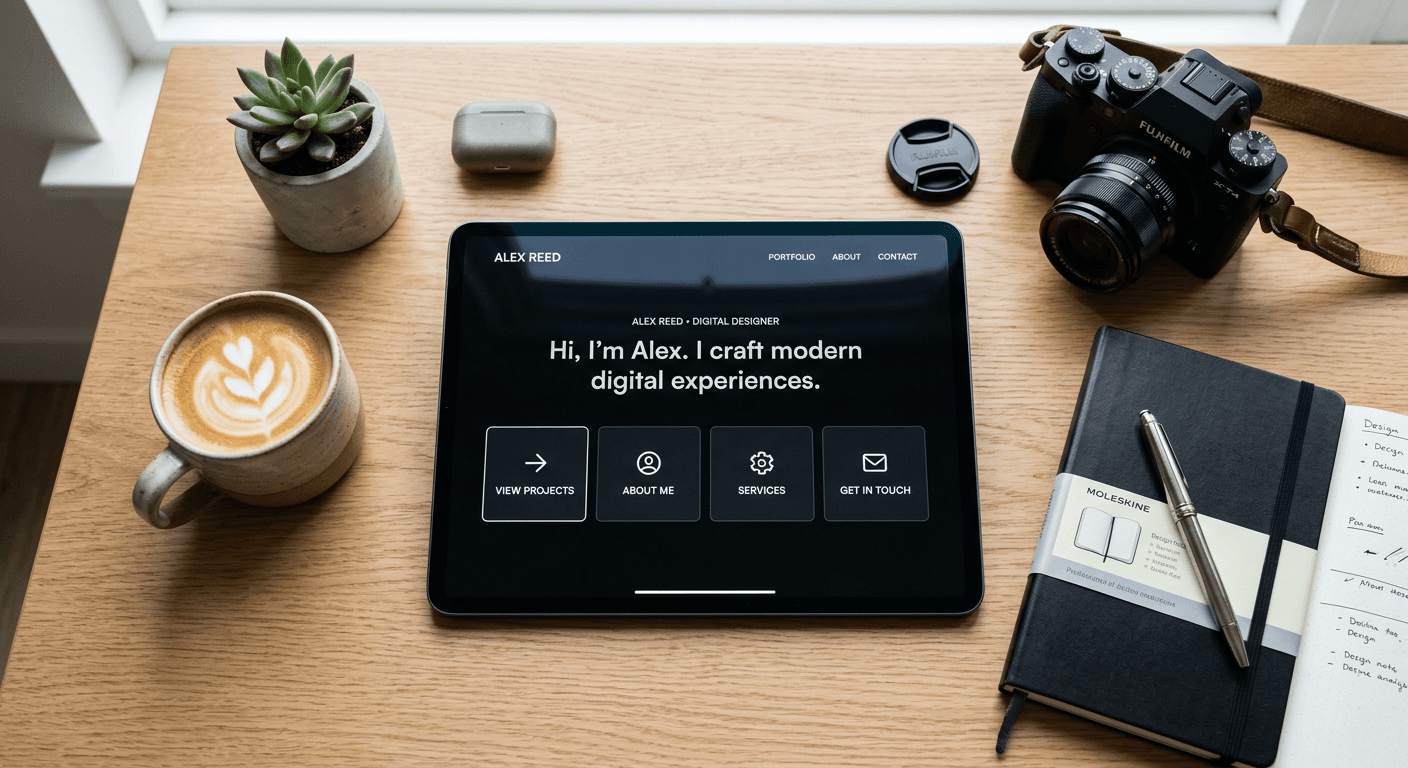
Building a robust digital presence requires more than a collection of scattered files; it demands a unified gateway that directs your audience toward your most impactful work. A well-structured portfolio link serves as the cornerstone of your professional identity, bridging the gap between social media discovery and deep-dive project engagement. By curating your digital footprint, you transform passive viewers into active stakeholders in your professional journey.
Quick Summary
An optimized portfolio link acts as a centralized hub for your professional assets, streamlining how clients and collaborators access your work. By organizing projects, credentials, and contact points into a cohesive destination, you reduce friction for your audience and establish greater professional authority.
- Use a centralized platform to house diverse project links.
- Categorize assets by relevance to your target audience.
- Track engagement to identify which works generate the most interest.
- Keep navigation simple to prioritize conversion and contact.
Table of Contents
- Quick Summary
- Structuring Your Portfolio Gateway
- Managing Your Digital Assets
- Optimizing for Maximum Engagement
- Common Pitfalls and Troubleshooting
- FAQ
- Recommended Reads

Structuring Your Portfolio Gateway
Your portfolio gateway should act as an intuitive index rather than a cluttered dumping ground. The primary goal is to minimize the number of clicks required for a visitor to reach your most relevant project. Start by evaluating the core purpose of your portfolio: are you seeking freelance clients, full-time employment, or industry recognition? This focus dictates how you arrange your links and which projects you prioritize at the top of your list.
Effective organization often relies on logical grouping. Use clear, benefit-driven labels for your navigation. For example, instead of generic headers, use specific categories such as "Case Studies," "Service Offerings," or "Client Testimonials." When you create link structures within your landing page, ensure that the hierarchy reflects the most high-value interactions. Place your most impressive, recent, or high-conversion projects at the very top, as these are the first elements that will command visitor attention.
Managing Your Digital Assets
Managing your assets effectively involves maintaining a library of high-quality files and documentation. A disorganized portfolio often leads to broken links or outdated information, both of which erode trust. Periodically audit your repository to ensure that every assets link points to a stable, accessible version of your work. If you store work on third-party cloud platforms, ensure the permissions are set to public access to prevent "access denied" errors that frustrate prospective clients.
Furthermore, consider the context of your link assets strategy. Every item you include should support your professional narrative. If you are a designer, your links should demonstrate visual process and final output; if you are a consultant, they should lead to reports or documented results. Keep the file names descriptive and professional, as this improves both user experience and search discoverability. Always provide a brief, punchy description for every project you feature to provide immediate context for the reader.
Optimizing for Maximum Engagement
Optimization is an ongoing process of refinement based on data. To truly understand how visitors interact with your content, you must leverage analytics to track which sections of your portfolio receive the most traffic. If you notice that a specific link project receives minimal clicks, consider re-titling the link, moving it to a more prominent position, or creating a more compelling call-to-action to explain the value of that specific asset.
Engagement optimization also involves aesthetic consistency. Ensure that your landing page color palette, typography, and imagery align with your personal brand. A cohesive look builds authority and makes your portfolio feel like a deliberate professional statement rather than an accidental collection. Use high-contrast buttons for your primary calls-to-action, such as "Request a Quote" or "Download Resume," to guide the visitor through a natural conversion funnel.
Common Pitfalls and Troubleshooting
- Dead Links: Regularly test every link on your page. A single 404 error can lead a high-value prospect to abandon their inquiry entirely.
- Overwhelming Choice: Too many links lead to decision fatigue. Limit your visible items to a maximum of 8-10 high-impact links to ensure the user stays focused on your best work.
- Mobile Neglect: Most traffic arrives via social media browsers. Test your mobile layout to ensure the buttons are large enough to tap and the text is legible without zooming.
- Generic Descriptions: Avoid vague labels. Use descriptive language that highlights the benefit or the nature of the content behind the link to encourage clicks.
FAQ
- How often should I update my portfolio link? Aim to review and update your links every quarter or immediately after completing a significant project to keep your profile relevant.
- Should I include every single project I have ever done? No, quality always outweighs quantity. Feature only your best work that aligns with your current career goals.
- Can I use my portfolio link to sell digital goods? Yes, most professional link-in-bio tools allow for direct integration with payment gateways, making it simple to showcase and sell digital products.
- How do I know if my links are effective? Use integrated analytics to monitor click-through rates. If users are clicking, your presentation is likely effective; if they are not, adjust your labels and ordering.