How to link your Instagram to TikTok and Optimize Your Cross-Platform Traffic in 2026
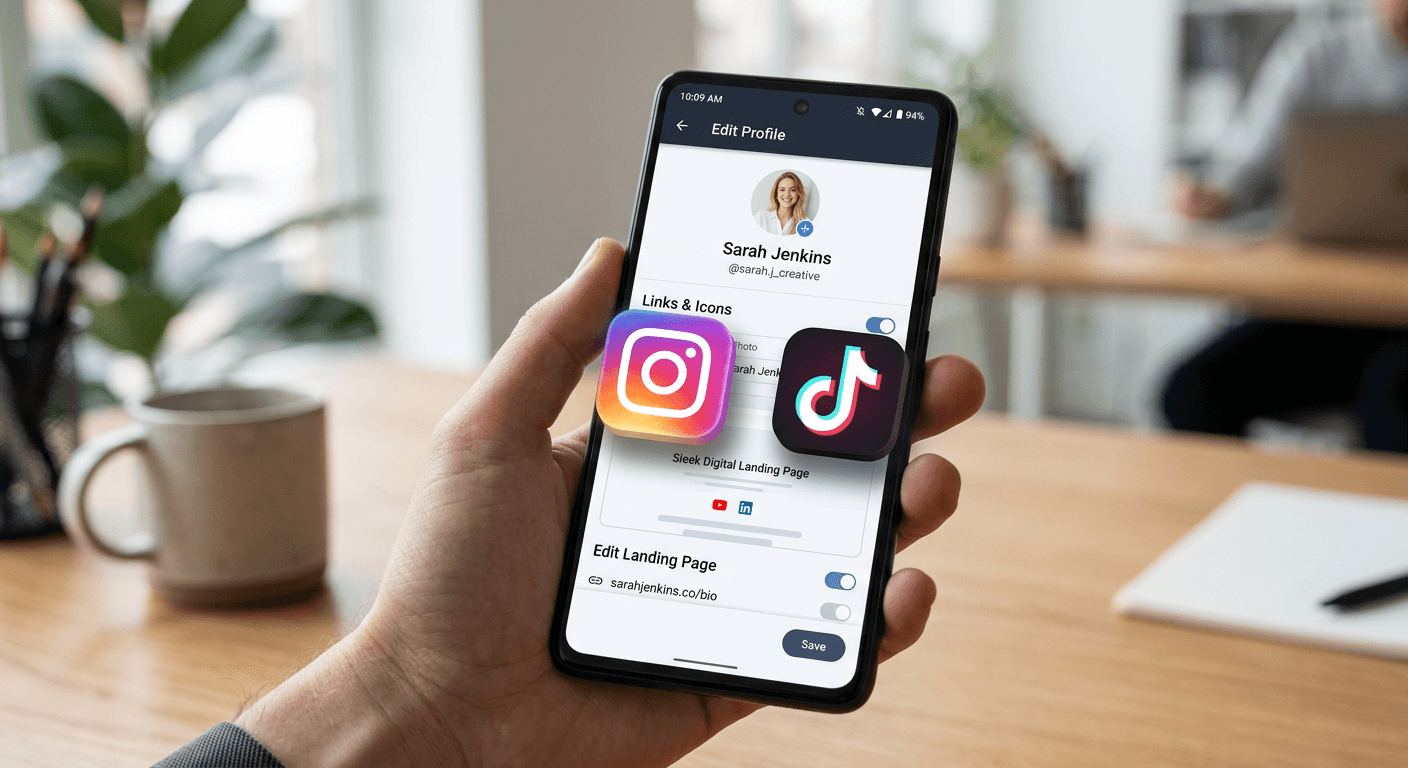
Maximizing your social media reach requires a seamless flow of traffic between your primary content hubs. For creators and digital marketers, connecting your Instagram profile directly to your TikTok account is a fundamental step in building a cohesive online ecosystem. By effectively bridging these platforms, you ensure that your audience can easily transition from short-form video engagement on TikTok to the curated visual portfolio typically found on Instagram.

Quick Summary
Linking your Instagram profile to your TikTok bio allows followers to navigate easily between your accounts, boosting cross-platform visibility and engagement. By using the dedicated social integration features in your account settings, you can add a clickable icon that drives traffic directly to your Instagram profile.
- Ensure both accounts are logged in on your mobile device.
- Use the 'Edit Profile' section within the TikTok app.
- Verify the connection to ensure the button appears correctly on your profile.
- Leverage a link-in-bio platform if you need to display multiple URLs beyond just Instagram.
Table of Contents
- Quick Summary
- Understanding Platform Interconnectivity
- Step-by-Step Guide: Adding Instagram to TikTok
- Common Pitfalls and Troubleshooting
- FAQ
- Recommended Reads
Understanding Platform Interconnectivity
When you ask, "can you link tiktok to instagram," the answer is a definitive yes, though the implementation varies based on account status and regional updates. TikTok provides a native integration that places a direct icon on your profile, but it also allows users to place a clickable link in their bio text. Understanding the difference between these two methods is vital for your conversion strategy.
The native integration creates a high-visibility button, whereas a bio link offers more flexibility. Many professional creators choose to use a centralized hub to manage their links, especially if they need to point traffic to multiple destinations simultaneously. This approach keeps your bio clean while providing a high-utility landing page that captures analytics on your audience's behavior.
Step-by-Step Guide: Adding Instagram to TikTok
To learn how to add your instagram to your tiktok bio using the native integration, follow these precise steps:
- Open your TikTok app and navigate to the 'Profile' tab in the bottom right corner.
- Tap the 'Edit Profile' button located under your bio section.
- Scroll down to the 'Social' header; you will see an 'Instagram' field.
- Tap 'Add Instagram' to initiate the authorization process.
- You will be redirected to an Instagram login page. Enter your credentials and authorize TikTok to access your profile information.
- Once authorized, the Instagram icon will automatically appear on your TikTok profile, allowing followers to tap it and be redirected instantly.
If you prefer to place a link directly in your bio text, simply copy your Instagram profile URL. Go back to 'Edit Profile' and paste this URL into the 'Bio' section. Note that this method will show the text URL, which may take up valuable character space. For a more professional look, many users choose the button-based integration over text-based URLs.
Pro Tip: Keep your usernames consistent across both platforms. An identical handle makes it easier for your audience to find you via search and reinforces your personal or brand identity across different social environments.
Common Pitfalls and Troubleshooting
One of the most frequent issues users encounter is the failure of the Instagram button to appear despite a successful login. This is often due to a cached state or a temporary synchronization delay. Try logging out of both apps, restarting your device, and re-linking the accounts from scratch to clear any lingering session errors.
Another common mistake is having a private Instagram account that doesn't align with your public TikTok persona. If your goal is to grow your brand, ensure your destination profile is set to public so that new followers from TikTok can see your content immediately without waiting for an approval request. Additionally, check if your account is a business or creator account; sometimes personal account restrictions can interfere with third-party app authorizations.
FAQ
Why is the Instagram icon not showing on my TikTok profile?
Ensure that the authentication process was completed successfully in the 'Edit Profile' settings. If it still doesn't appear, try toggling the link off and back on, or check if your app requires an update.
Can I link multiple Instagram accounts to one TikTok profile?
Currently, the native integration only supports a single Instagram account per TikTok profile. If you manage multiple brands, you would need to choose your primary account or use a third-party link management tool to house multiple links.
Does linking my accounts expose my personal data?
TikTok only accesses the public profile information necessary to facilitate the link. It does not gain access to your private messages, security settings, or private posts.
Is it better to use the button or a bio link?
The button is cleaner and more aesthetically pleasing for mobile users. However, if you need to promote more than one destination - such as a shop, a portfolio, and your Instagram - a link-in-bio landing page is significantly more effective than a single static link.