How to Leverage Link Assets for Your Portfolio
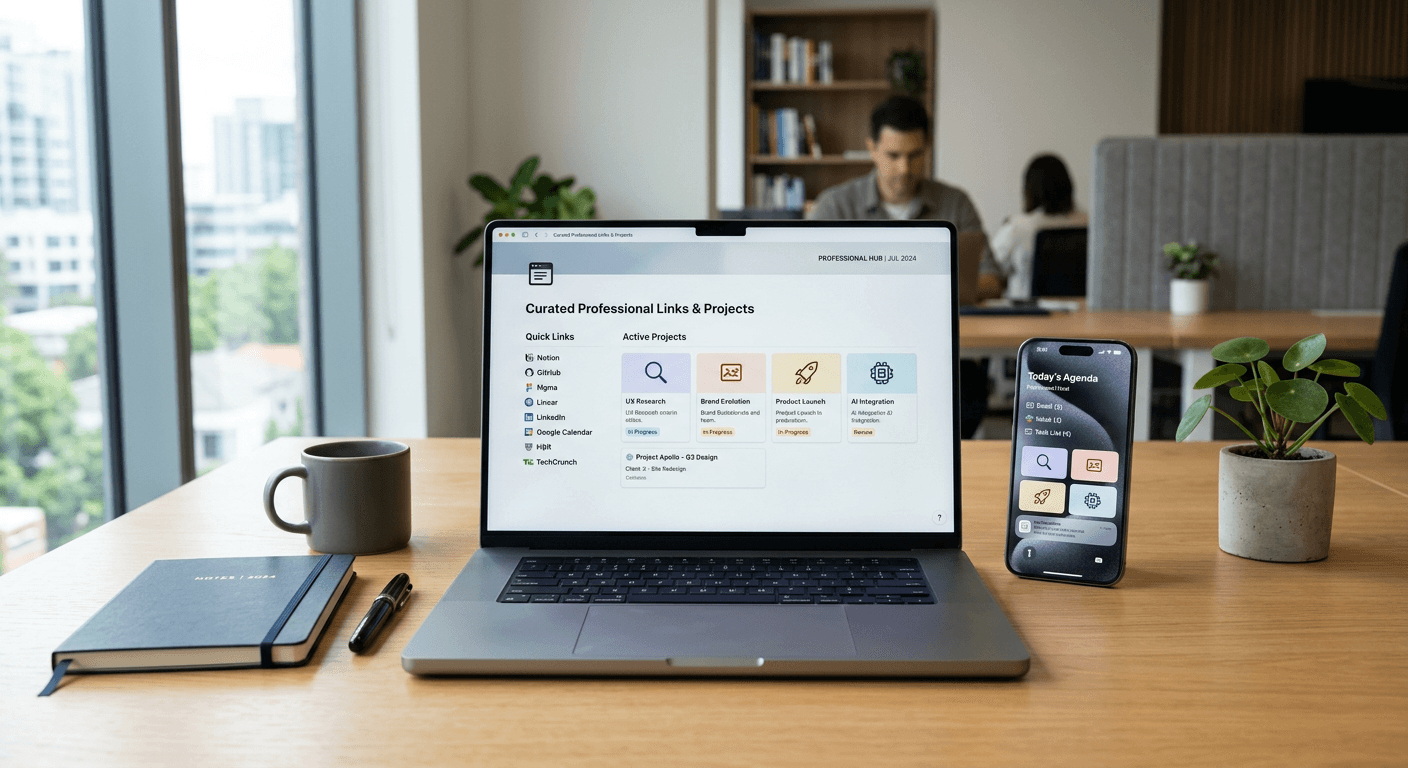
Strategically managing your digital presence requires more than just listing past work; it demands a sophisticated approach to how you curate and present your portfolio link. Whether you are a creative professional, a developer, or a consultant, your digital hub acts as the primary touchpoint for potential clients and employers. By treating your career history as a collection of modular link assets, you gain the ability to tailor your narrative for different stakeholders, ensuring that your most impactful contributions are always front and center.
Quick Summary
Optimizing your portfolio link involves organizing disparate professional works into a centralized, high-performance navigation hub. By grouping projects into cohesive assets link collections, you simplify the user experience for recruiters and clients, leading to higher engagement and a more professional presentation of your technical or creative breadth.
- Consolidate all professional projects into a single, navigable hub.
- Use descriptive, action-oriented labels for every project link.
- Update your link assets regularly to reflect current skill sets.
- Maintain a clean, professional aesthetic to boost credibility.
Table of Contents
- Quick Summary
- Structuring Your Portfolio Link Assets
- How to Create Link Collections for Specific Roles
- Common Pitfalls and Troubleshooting
- FAQ
- Recommended Reads

Structuring Your Portfolio Link Assets
Building a robust portfolio starts with understanding that your digital footprint is an accumulation of various link assets. Instead of providing a single, monolithic PDF or a chaotic list of URLs, categorize your work into logical buckets such as "Case Studies," "Technical Implementations," or "Design Artifacts." When you organize these items effectively, you reduce cognitive load for the viewer, allowing them to find the specific project link that correlates with their hiring requirements.
To begin this process, conduct an audit of your existing materials. Identify which pieces of work are most representative of your current goals. You can utilize platforms like https://heylink.us.com to centralize these resources into a single, professional interface that serves as your primary portfolio link. By using a dedicated management tool, you ensure that even if you change your hosting provider or website, your primary landing page remains consistent and reliable.
How to Create Link Collections for Specific Roles
When you create link structures for different audiences, you must prioritize relevance. A recruiter for a design agency will have different priorities than a technical lead at a software firm. Therefore, you should maintain multiple "views" of your portfolio. For instance, you might have one collection focused on UX/UI design assets and another focused on front-end development snippets. This level of customization demonstrates high professional awareness.
Pro Tip: Never use generic labels like "Link 1" or "My Work." Instead, use descriptive, keyword-rich anchor text for every assets link so that both users and search engines can easily categorize the content of your portfolio.
When you build these collections, ensure that each project link is active and points to a page that provides context. A link alone is insufficient; include a brief description of the challenge, your specific role in the project, and the outcome achieved. This turns a simple hyperlink into a meaningful piece of professional evidence that validates your claims and boosts your overall career authority.
Common Pitfalls and Troubleshooting
The most common error professionals make is allowing their portfolio link to become stagnant. Dead links or outdated projects signal that your skills may also be behind the times. Perform a bi-monthly audit of your repository to ensure every project link is functional and leads to content that is still representative of your best work. If a project no longer reflects your capabilities, remove or archive it immediately.
Another frequent mistake involves poor mobile optimization. Many users will open your assets link via mobile devices while in transit or between meetings. Test your layout on multiple screen sizes to ensure that the navigation is intuitive and that no content is obscured. If you are struggling with organization, consider using a standardized https://heylink.us.com profile to manage your links, which inherently provides a responsive design that handles these technical constraints for you.
FAQ
How often should I update my portfolio link? Aim to review and update your link assets every three to six months. Even if you haven't finished a massive project, updating descriptions or re-ordering your links can improve your presentation.
What makes a high-converting project link? A great project link includes a clear title, a brief "problem/solution" summary, and a direct path to the final artifact or case study.
Can I use a single link for everything? While you can use a single master link, it is often better to use a tool that allows you to segment your work into specific collections based on the specific industry or role you are targeting.
Are there security risks to sharing link assets? Always ensure that your links point to public-facing content. Never include links to internal servers, private repositories, or sensitive documents that could expose proprietary information.