How to Add Link to Instagram Bio to Effectively Drive Traffic in 2026
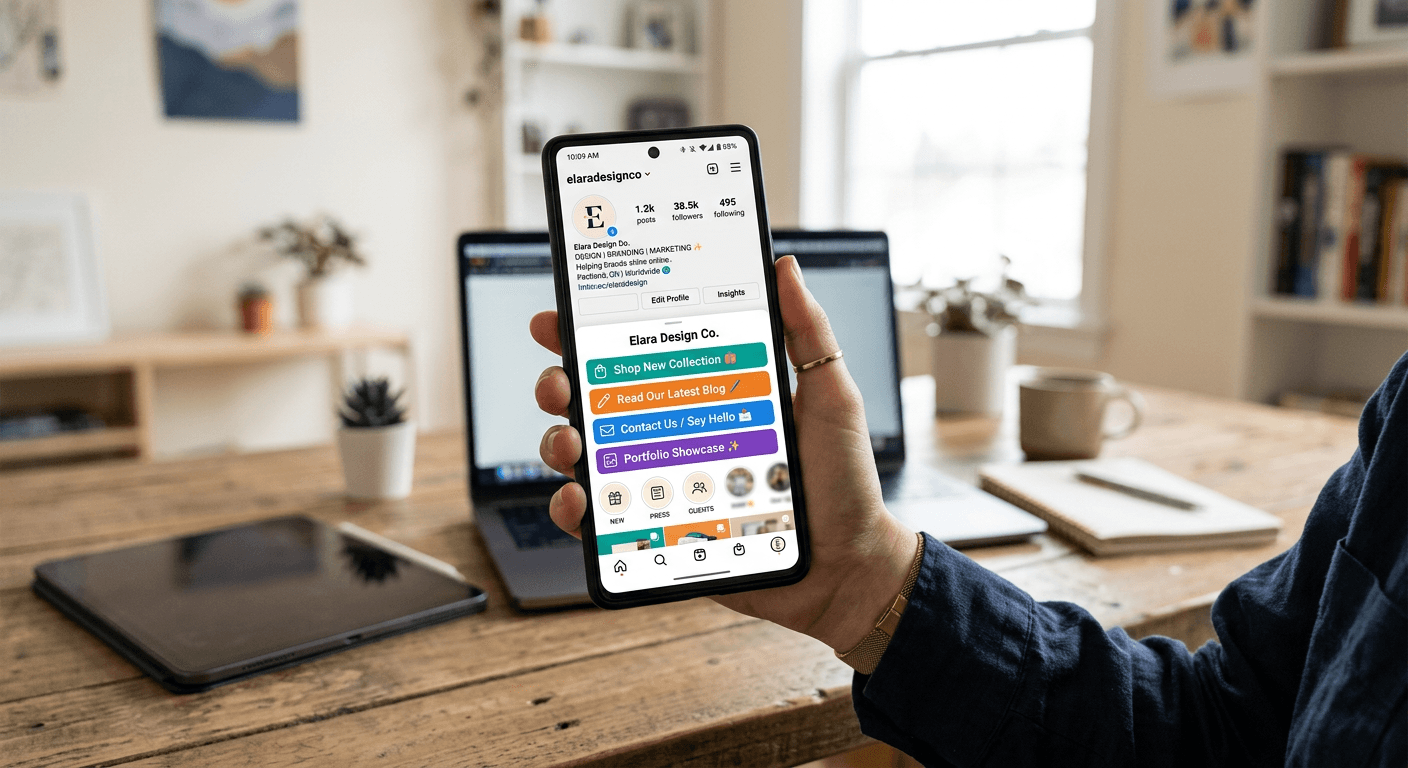
Mastering the ability to direct social media followers to your external content is essential for any creator or business owner looking to convert engagement into measurable results. Understanding exactly where to add link to instagram bio allows you to bypass the platform's restrictive nature regarding clickable URLs in post captions, placing your most important resources directly in the path of your audience.

Quick Summary
Adding a link to your Instagram bio involves editing your profile settings to insert a primary URL, or using a multi-link landing page to consolidate multiple destinations. This central hub is the only location on your profile where clickable links are natively supported, serving as a critical bridge between social traffic and your website.
- Access your profile settings via the 'Edit Profile' button.
- Use a dedicated landing page tool to organize multiple links.
- Keep your primary link updated based on current campaigns.
- Monitor traffic performance through integrated analytics tools.
Table of Contents
- Understanding Link Placement
- Step-by-Step Guide to Updating Your Bio Link
- Formatting Your Landing Page for Higher Conversion
- Common Pitfalls and Troubleshooting
- Frequently Asked Questions
- Recommended Reads
Understanding Link Placement
Instagram is fundamentally designed as a closed ecosystem. While you can include text in your captions, the platform does not make those URLs clickable. This is why learning how to put link in your instagram bio is a foundational skill for digital marketing. The bio section functions as your digital storefront's entrance, and it is the only space on your profile dedicated to navigation.
Many users find themselves asking, where is the link in bio on instagram? It is located immediately beneath your profile picture and bio text. Because this space is limited, professional creators often utilize a link-in-bio platform to consolidate multiple links into a single, cohesive landing page. This approach ensures that whether you are promoting a new product, a blog post, or a booking form, all destinations are easily accessible to the user without constant manual updates to your profile.
Step-by-Step Guide to Updating Your Bio Link
Updating your profile is a straightforward process, but executing it correctly requires attention to detail. Follow these steps to ensure your audience can find your content efficiently:
- Open the Instagram application on your mobile device and navigate to your profile page by tapping your avatar in the bottom right corner.
- Tap the 'Edit Profile' button located directly under your bio description.
- Look for the 'Links' or 'Add Link' field. On newer versions of the interface, you may see an option to 'Add external link'.
- Paste the URL of your website or your landing page provider into the 'URL' field.
- Assign a clear, actionable label in the 'Title' field if the interface allows it. This helps users understand what they are clicking.
- Tap the checkmark or 'Done' button in the top right corner to save your changes.
Pro Tip: If you frequently run time-sensitive promotions, consider creating a shortened, branded URL that redirects to your current featured offer. This keeps your bio link consistent while allowing you to change the destination URL behind the scenes without having to edit your Instagram profile repeatedly.
Formatting Your Landing Page for Higher Conversion
Once you have mastered adding link to instagram bio, the focus shifts to optimization. A long list of disorganized links can overwhelm visitors and increase bounce rates. Effective landing pages should prioritize readability and visual hierarchy, drawing attention to your most valuable call-to-action (CTA) first.
Start by limiting your links to the top five most relevant items. Use high-contrast buttons and concise text to describe each link. If you are promoting a digital product or a service, ensure that the button text starts with a strong verb, such as 'Download', 'Register', or 'Shop'. Tracking is equally important; ensure you use an integrated analytics tool to determine which links receive the most interaction, allowing you to iterate on your strategy based on real-world user behavior.
Common Pitfalls and Troubleshooting
One common error when adding links is the use of broken or long, unformatted URLs. A messy URL - such as one containing long tracking strings - can look suspicious to potential visitors and may reduce click-through rates. Always ensure your links are clean and, if necessary, use a link-shortening service to make them more visually appealing.
Another issue involves mobile optimization. Since the vast majority of Instagram users access the platform via smartphones, ensure your destination website is fully responsive. If a user clicks your bio link only to find a page that takes ten seconds to load or fails to scale correctly on a mobile screen, they will likely exit immediately. Regularly test your links to verify that they open correctly in the in-app browser, as this is where most users will engage with your content.
Frequently Asked Questions
Can I add more than one link directly to my Instagram bio?
Yes, Instagram now allows you to add multiple links directly in your profile settings. However, using a dedicated link-in-bio service is often better for branding and detailed analytics.
Will my bio link work if I put it in a post caption?
No, links placed in post captions are not clickable. You should always use a call-to-action like "Link in bio" to direct users to your profile.
How often should I change my bio link?
You should change it whenever you have a new priority, such as a product launch or a new video release. If you use a link-in-bio tool, you rarely need to change the main link itself.
Can I see who clicks my Instagram bio link?
Instagram’s built-in insights provide basic data on clicks to your profile. For granular data on which specific link your audience clicked, use a third-party link management tool.